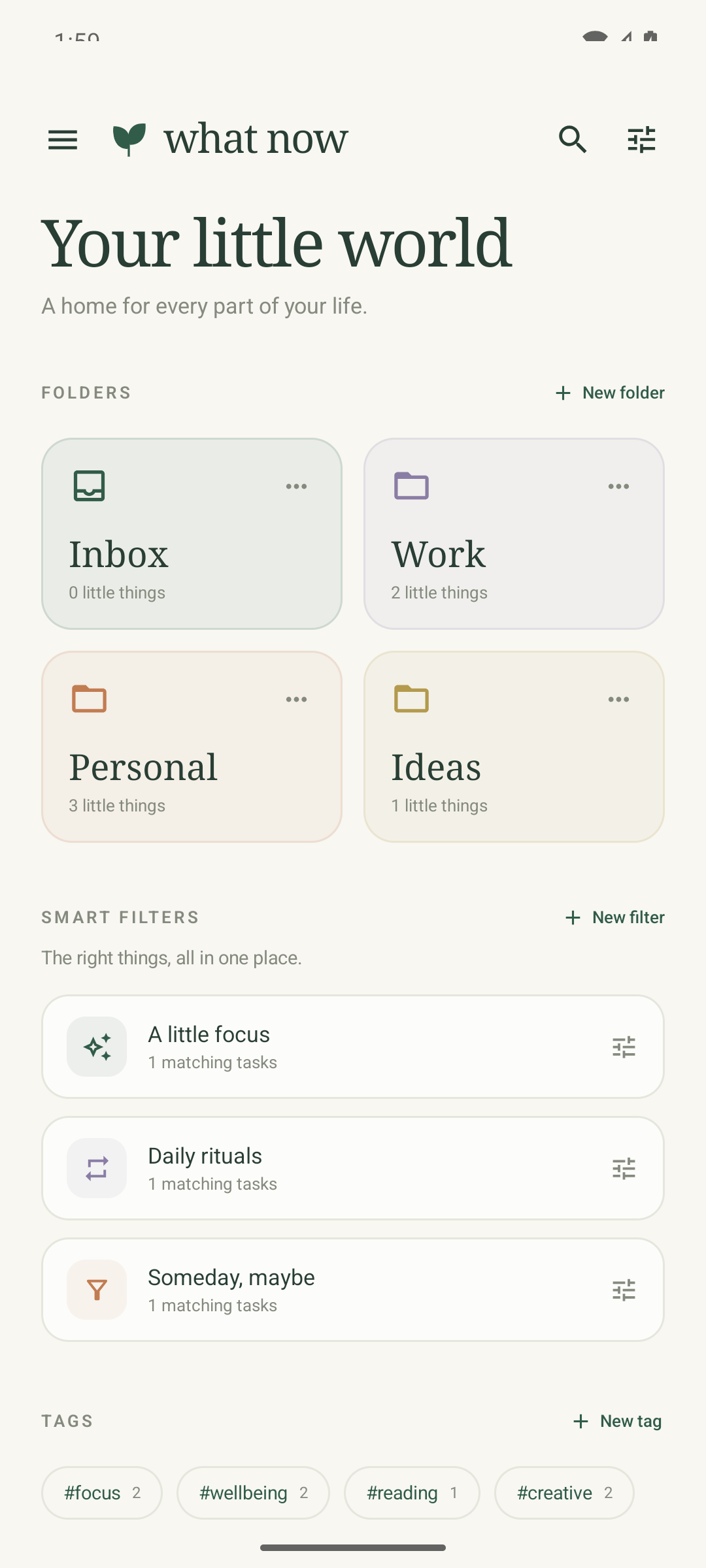
Your little world
Folders, tags, and smart filters sit together. Each one shows its count, so you know where to look.
A quieter task manager for Android
What now keeps your tasks, notes, and reminders on your phone. A warm paper surface, a quiet list, and nothing to sign in to.
Android 8.0 and later No account No network permission
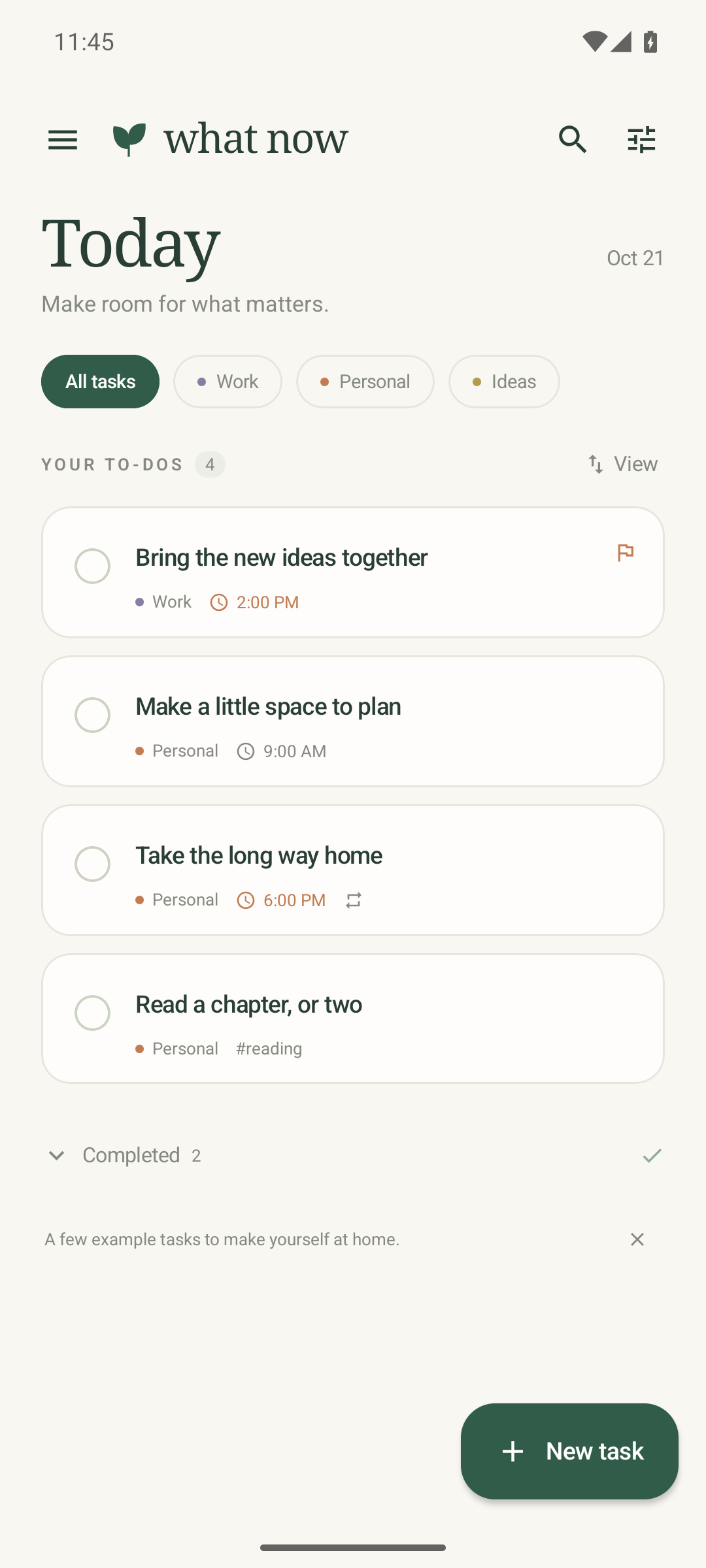
A look around
Everything has a place. Nothing asks for attention until it is time.
Folders, tags, and smart filters sit together. Each one shows its count, so you know where to look.
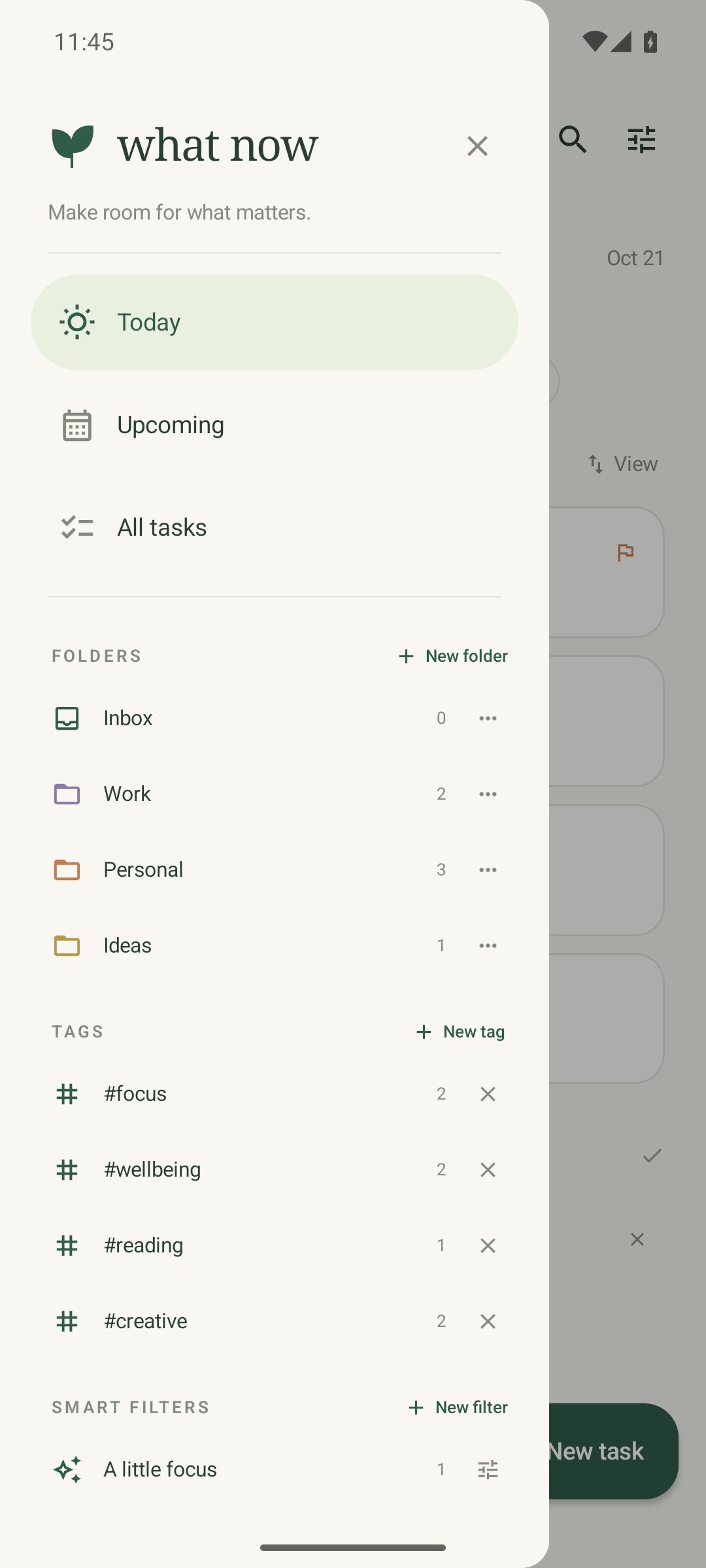
Today, Upcoming, and All tasks stay at the top. Your folders, tags, and saved filters follow, with their own actions.
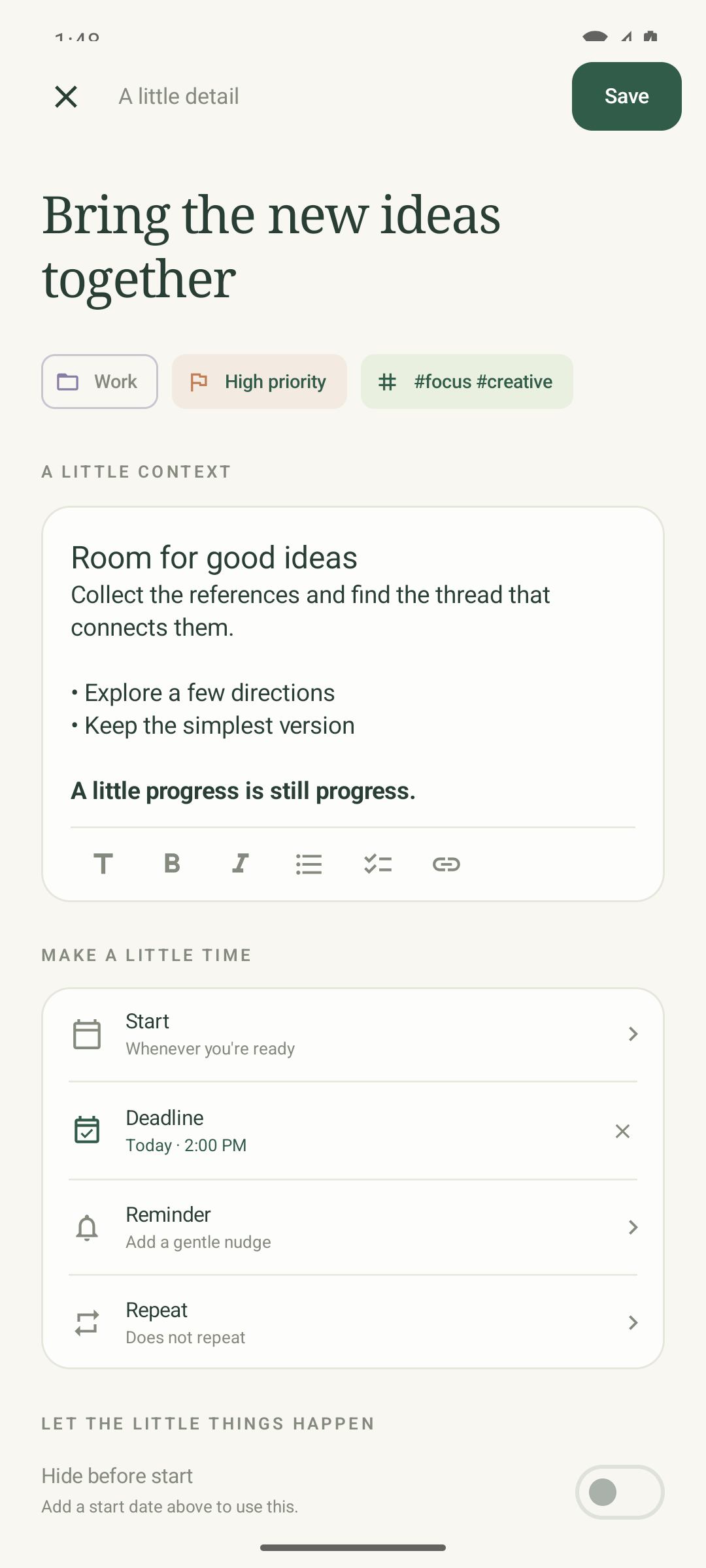
Set a folder, priority, tags, dates, a reminder, and a repeat. Write the notes in a rich editor that stores plain Markdown.
The working parts
The parts you need to keep a day moving, without a system to maintain.
Local Android notifications, with a Complete action on the notification itself.
Repeat every N hours, days, weeks, or months. Choose a fixed schedule or count from completion.
Set a start and a deadline. Hide the task before it starts. Delete it after the deadline if you want.
Give each folder a color. Reuse tags across tasks. Combine rules in a smart filter and preview the match count.
Search titles, notes, folder names, and tags. Tasks hidden until a future start date still appear.
Send text, links, images, or files from another app. Check the new task, then save it to a folder.
Use headings, bold, italic, bullets, checklists, and links. Notes are saved as portable Markdown.
Attachments are copied into private app storage. Export your tasks as Markdown at any time.
Quiet by design
What now has no account, no ads, and no analytics. The Android app does not request internet permission. Tasks, notes, and attachments stay in private app storage on your device.
Read the privacy policyThe small print
Android can include app data in your device backup or a transfer to a new phone. Your Android backup settings control this.
Notifications and exact alarms make reminders punctual. Without them, the app still works and Android may delay a reminder.
Clear the app's storage or uninstall it to remove its data. Exported files and device backups are separate.
A place for the next thing
What now is built for Android 8.0 and later.